LFG lobbies
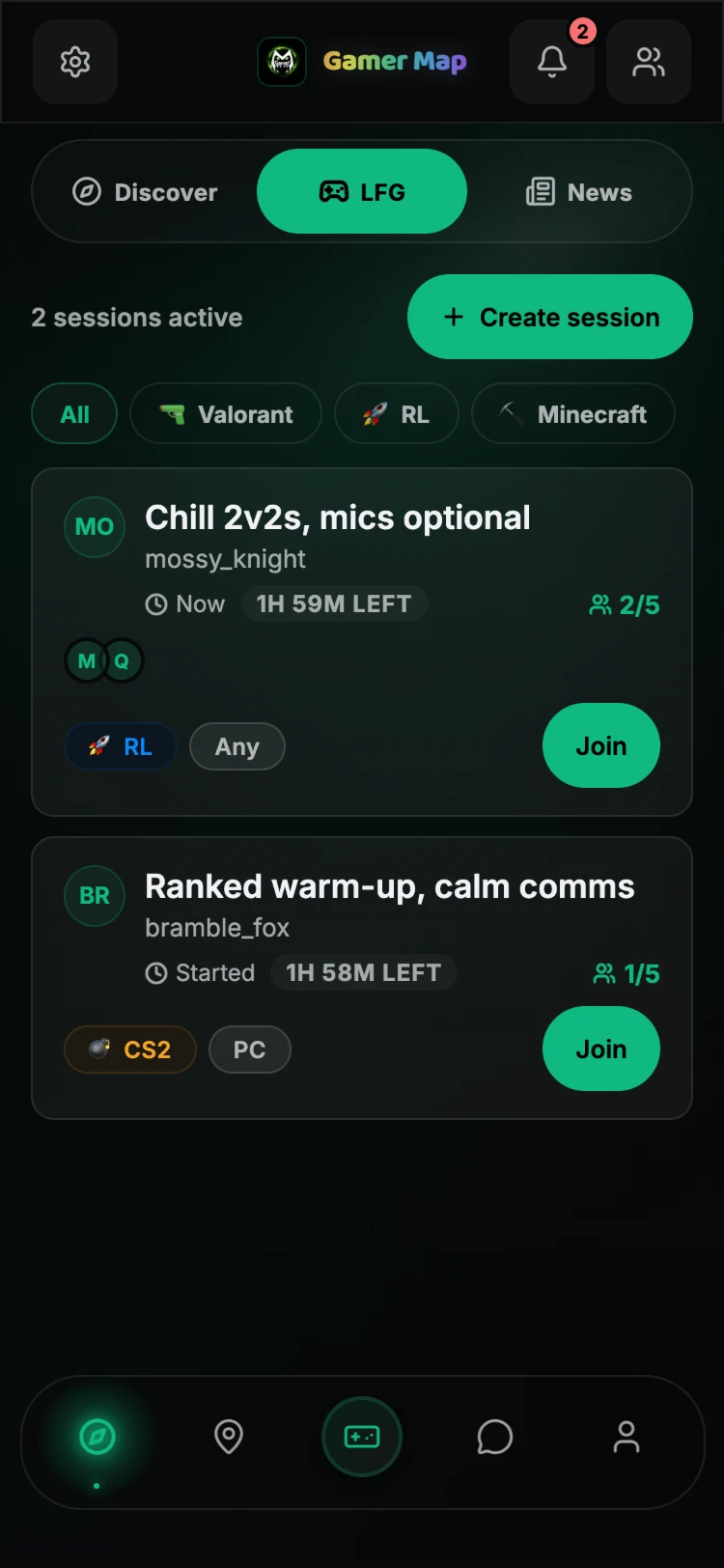
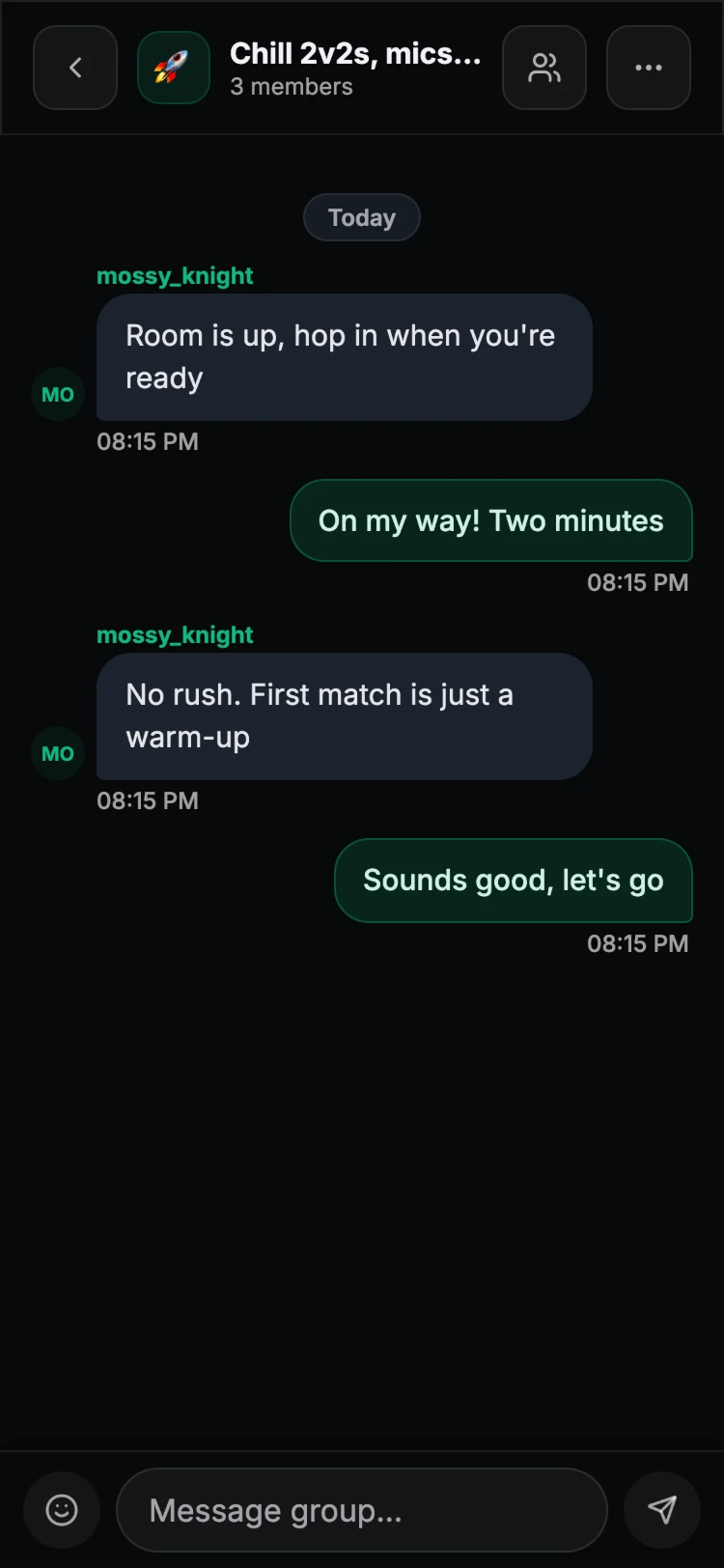
Say you are looking for a group: pick the game, the platform, now or a scheduled time, and how many players. Others can join, and every lobby has its own chat.
13+ A free app for gamers. Ages 13 and up.
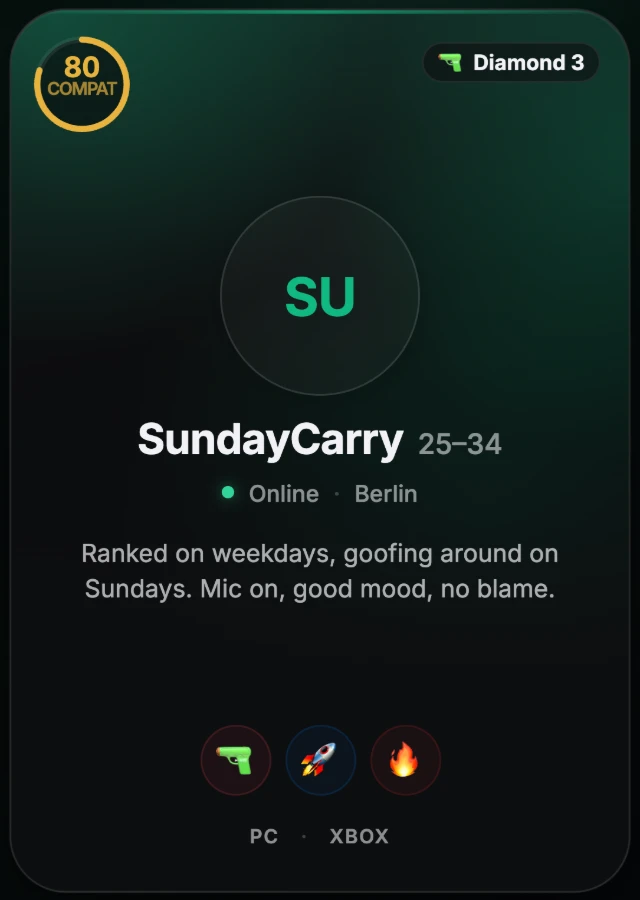
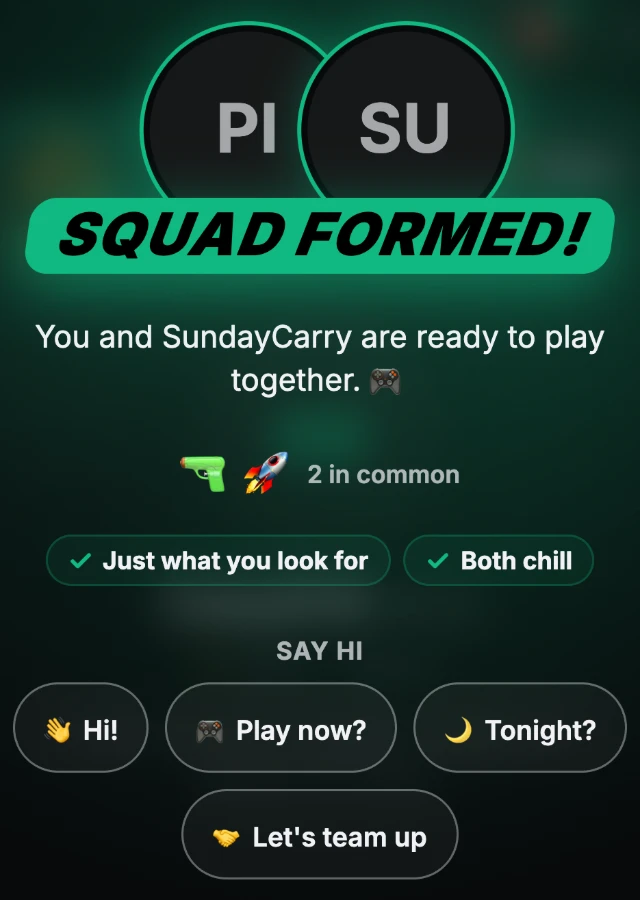
Pick your game, flip through player cards and READY UP on the people you would play with. When one of them does the same for you, the app tells you both: “Squad formed!”
It opens in your browser. There is no App Store or Google Play app to download.
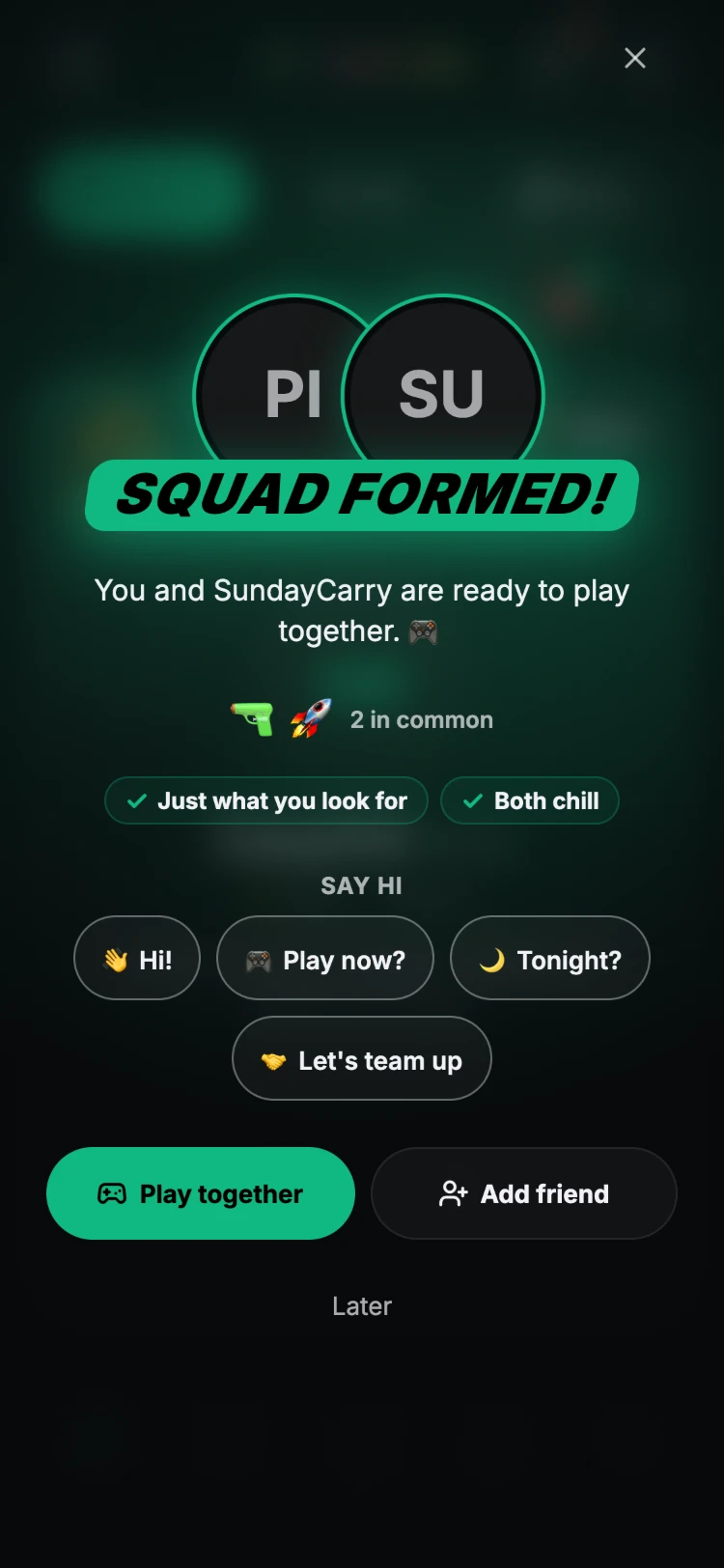
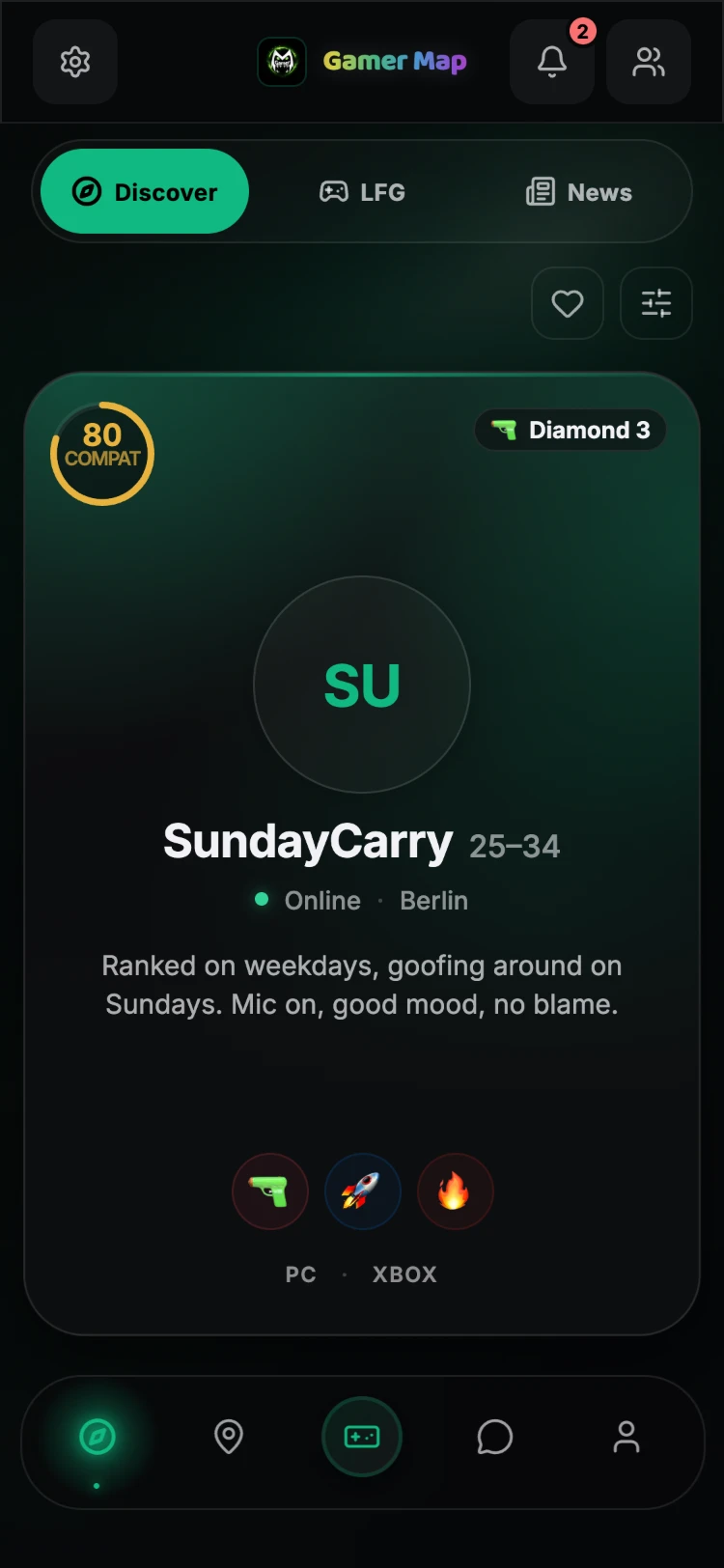

Two screens of the app: “Squad formed!” and a player card in Discover. Demo data: the players shown are invented.
The app asks “What do you want to play?” and shows you players for that game. Discover does not go by where you are: a player it shows can be from anywhere.
Each player is a card: swipe up to READY UP, swipe left to skip. A player you chose is told only if they chose you too.
When two of you READY UP on each other, you both see “Squad formed!” with the games you have in common. Each of you can send one greeting from a short fixed list, such as “Hi!” or “Play now?”. This does not make you friends: that takes a friend request that is accepted.
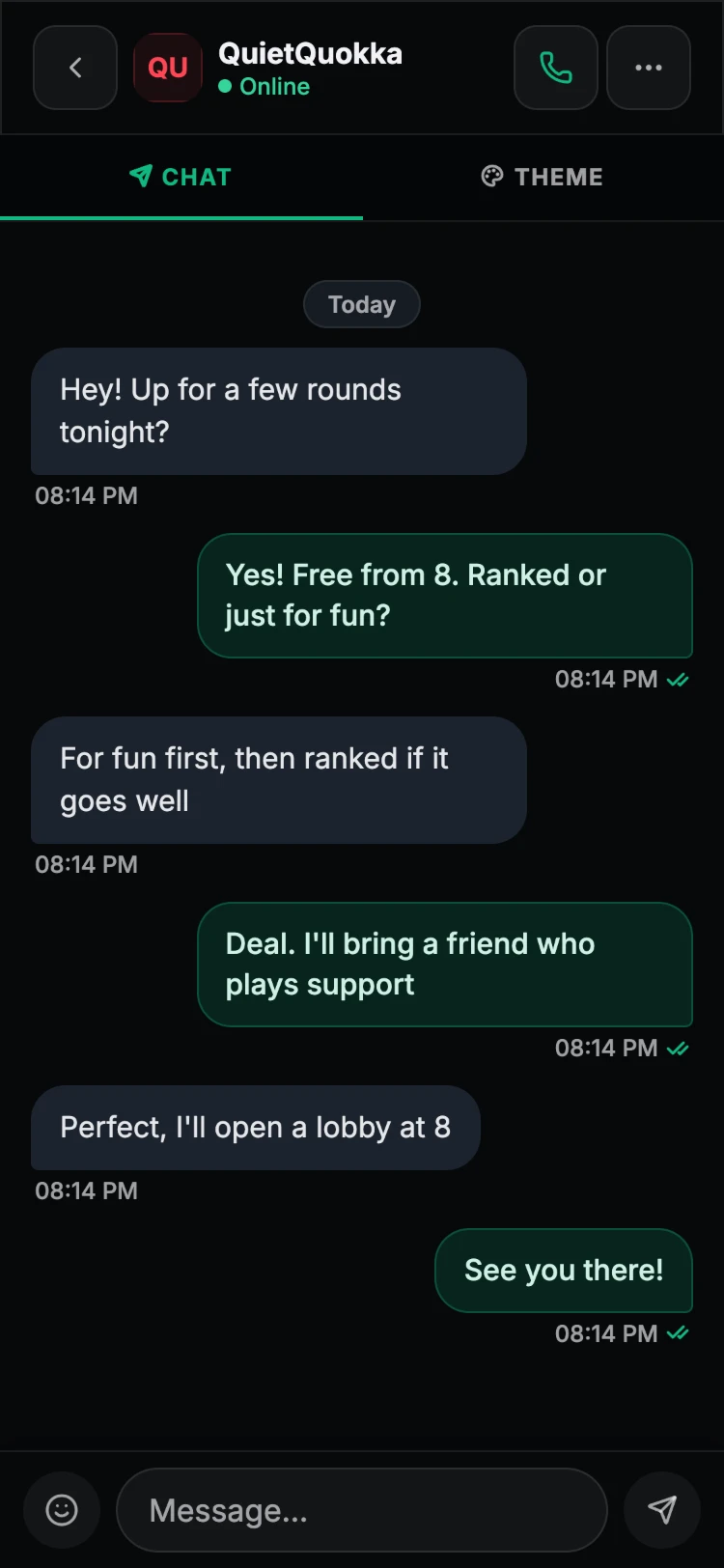
Tap “Play together” to invite someone to a play session; they answer “Yes, we're playing” or decline. While the session is open, its host and a player who confirmed it can message and call each other, also if they are not friends.
The app puts it this way: “When the session ends, everyone who confirmed can give each other GG.” You have three GGs a month.
Say you are looking for a group: pick the game, the platform, now or a scheduled time, and how many players. Others can join, and every lobby has its own chat.
Add friends with a request, an invite link or a QR code. Friends can chat one to one or in groups, and call each other. Calls are one to one and voice only.
The app itself warns that a call may not connect on mobile data: “Mobile data often blocks calls. Try Wi-Fi.”
from 16
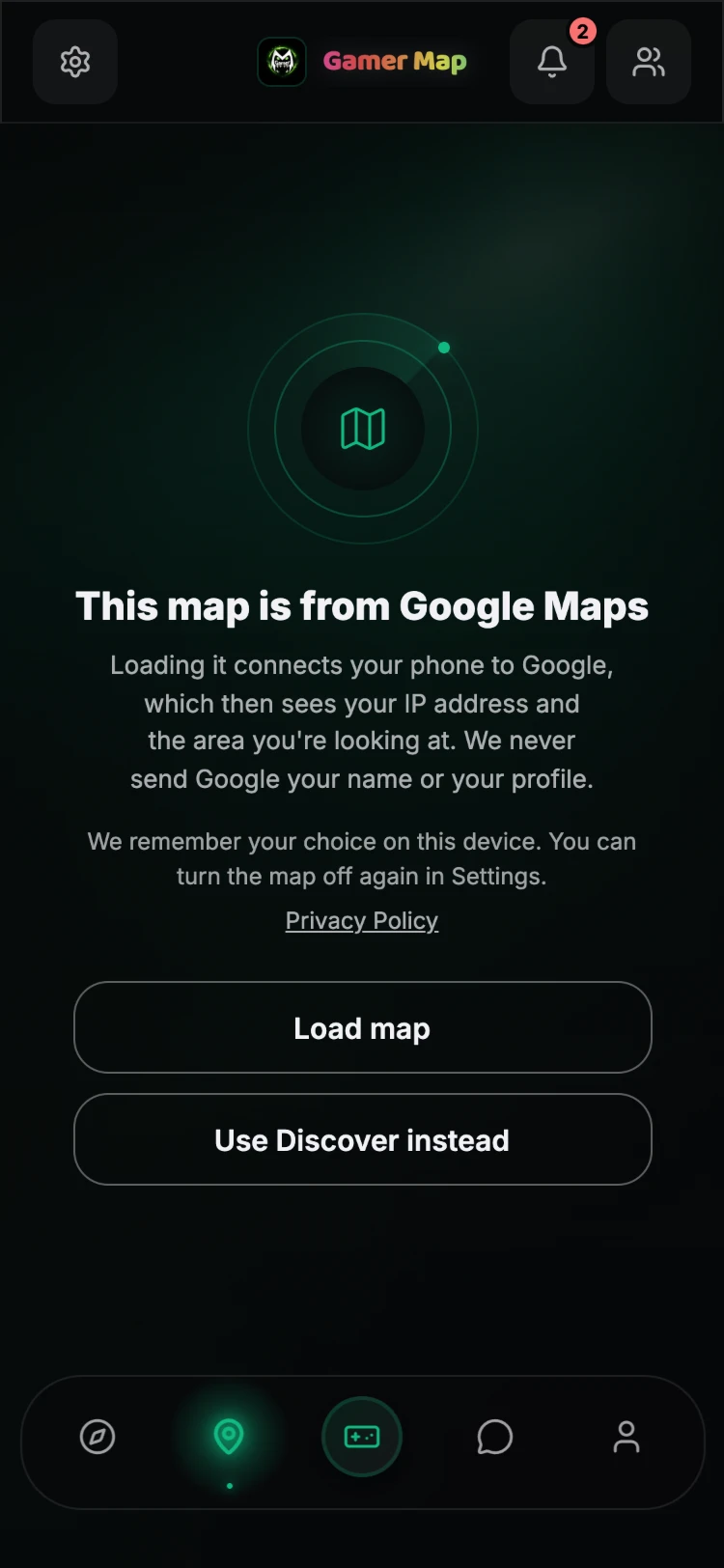
From age 16 you can open a map, made with Google Maps. It is off until you choose it: nothing is loaded from Google Maps until you tap “Load map”, and you are on nobody's map until you turn on “Appear on Map” in Settings. Your exact GPS position is never stored on our servers; other players see a rounded position. If you load the map, Google can tell roughly where you are. The map shows only players who switched that on, so it can be empty.
Your profile shows your games and ranks, your platforms and when you are usually active. “How I play” says, from fixed lists, whether you are competitive or chill and whether you play ranked or just for fun. You can link your Steam account by signing in on Steam's own page; your profile then shows your most-played games.
You type your age when you sign up, and nobody checks it.
13+
There is no moderation team and no guaranteed response time.
You may find few players for your game at first, or none.
Photos added to a profile besides the profile photo, search by in-game name and the Verified badge are for 18 and over.
from 16 from 18
You can pick from 12 games:

And say where you play: PC, PlayStation, Xbox, Nintendo or Mobile.
The app speaks 8 languages: English, Deutsch, Română, Español, Français, Português, 日本語 and 한국어. This website is in English.
Game and platform names belong to their owners. Gamer Map is not affiliated with or endorsed by the publishers of these games or by the makers of these platforms.
Gamer Map opens in your browser, and your browser can put it on your home screen.
On an iPhone, in Safari: open Share, tap “Add to Home Screen”, then “Add”.
On Android, in Chrome: open the menu at the right of the address bar, tap “Install and create shortcut”, then “Install”.
The names of these menu items can differ with the version of your browser.
The first screen asks for your language. Then you sign up with an e-mail address and a password, or with a Google account. An account made with an e-mail address has to confirm that address before the first login.